Ask anything with the Google app for desktop
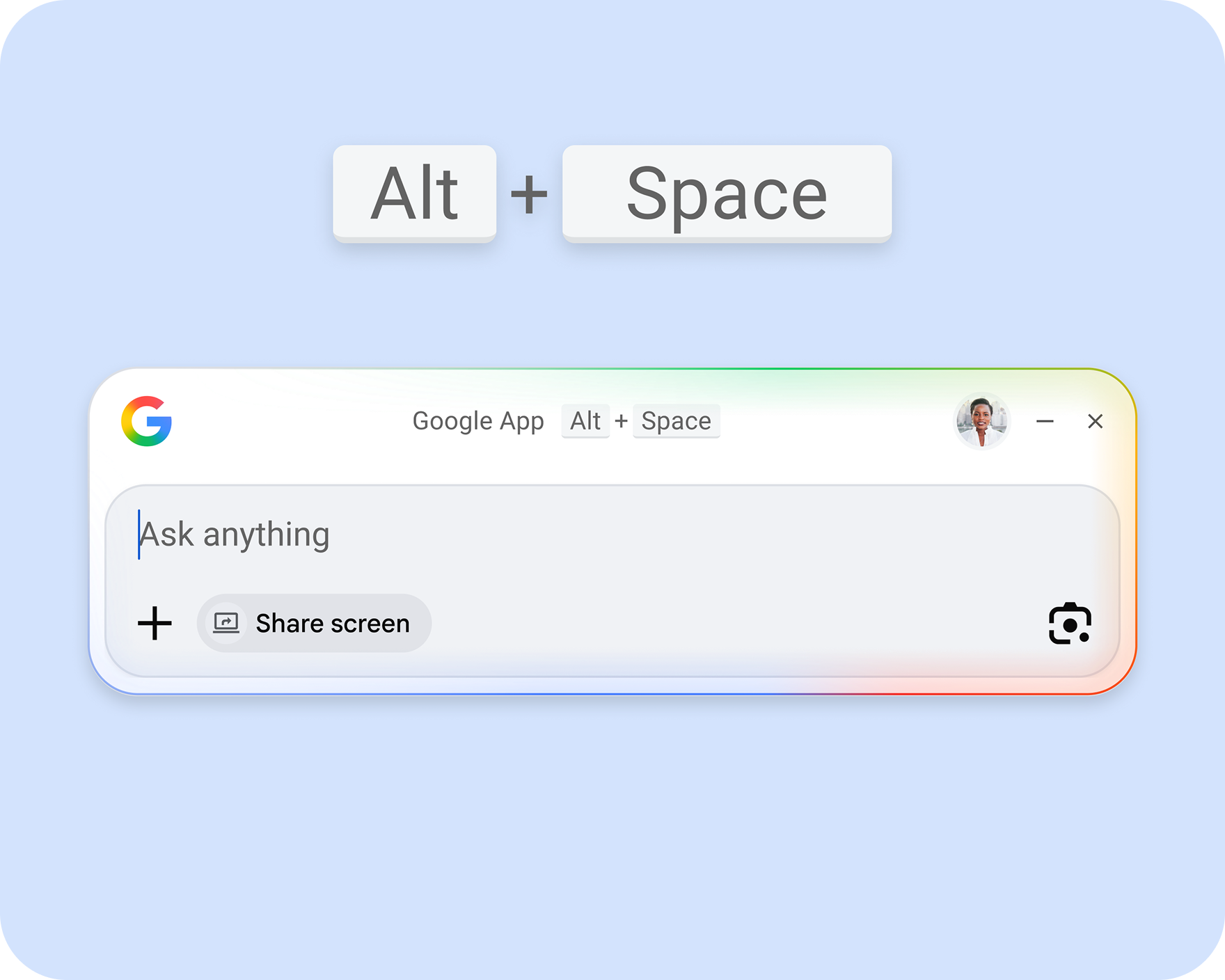
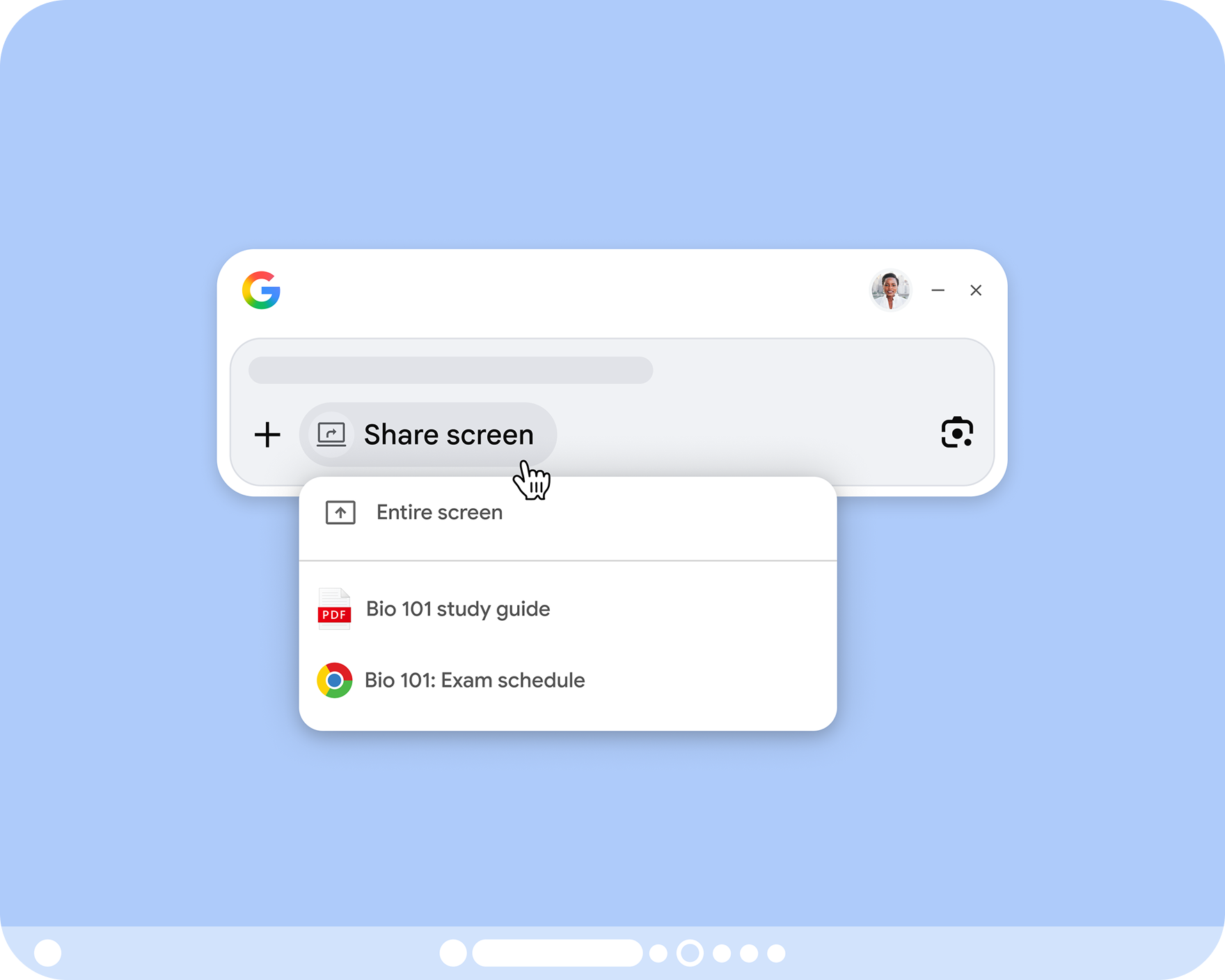
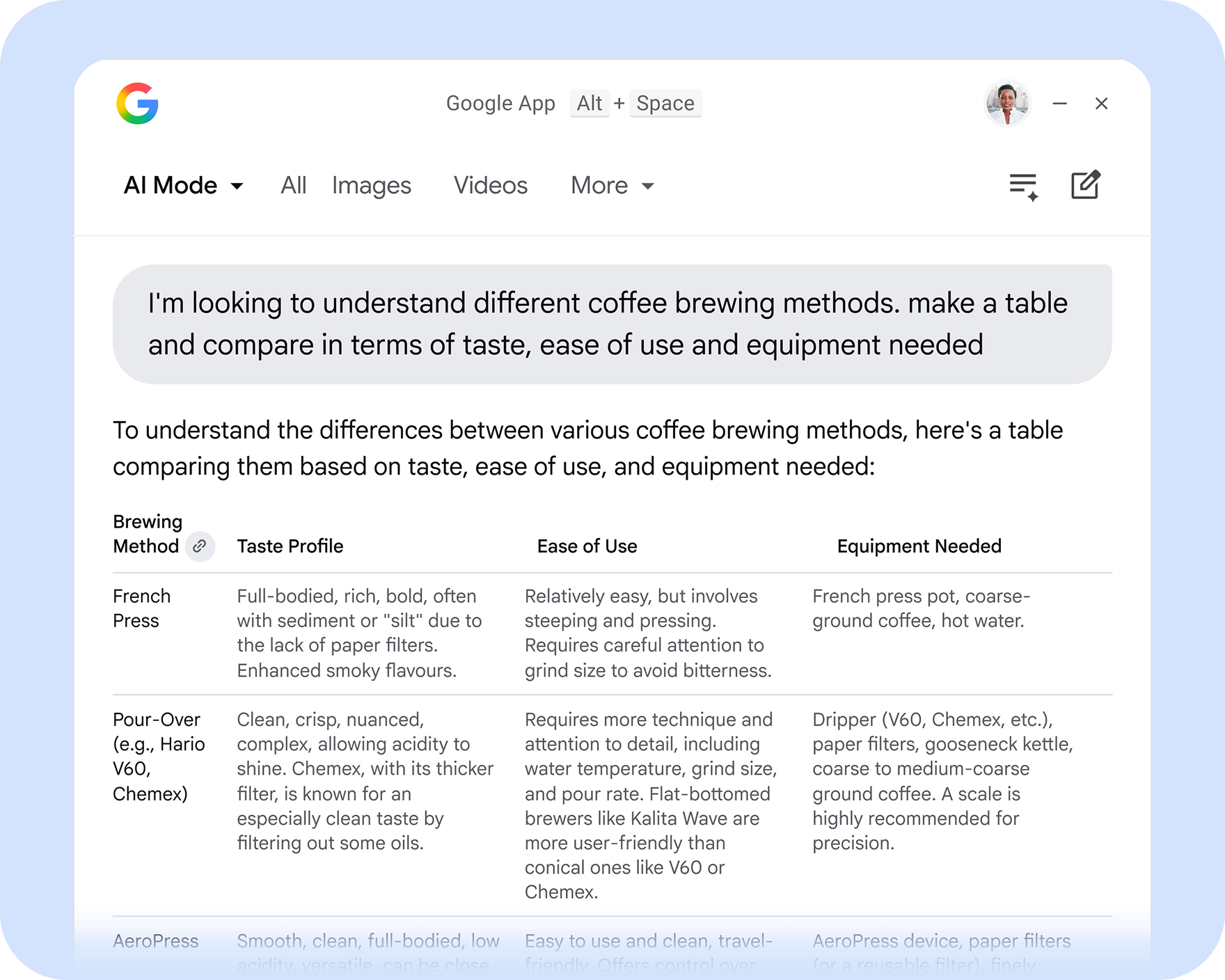
Using a simple keyboard shortcut, get quicker access to AI-powered responses and keep exploring with follow-up questions and helpful links. With Lens and screen sharing built into the app, you can also ask about any part of your screen, whether a specific window or your entire screen. Plus, easily find apps and files across your computer and Google Drive—all from the Search box.
Now available on Windows
Eligibility Requirements
Users 13 or older.
On a Windows 10+ desktop device.
See language availability here.
AI Mode in Google Search is not yet supported for all accounts, countries, and languages.
Your use of the Google app for desktop is subject to the Google Terms of Service and the Google Privacy Policy.
Windows is a registered trademark of the Microsoft group of companies.